








Collen Kriel
Latest from Collen Kriel
Samsung Galaxy S7 camera: What has changed and what is new? | #MWC16
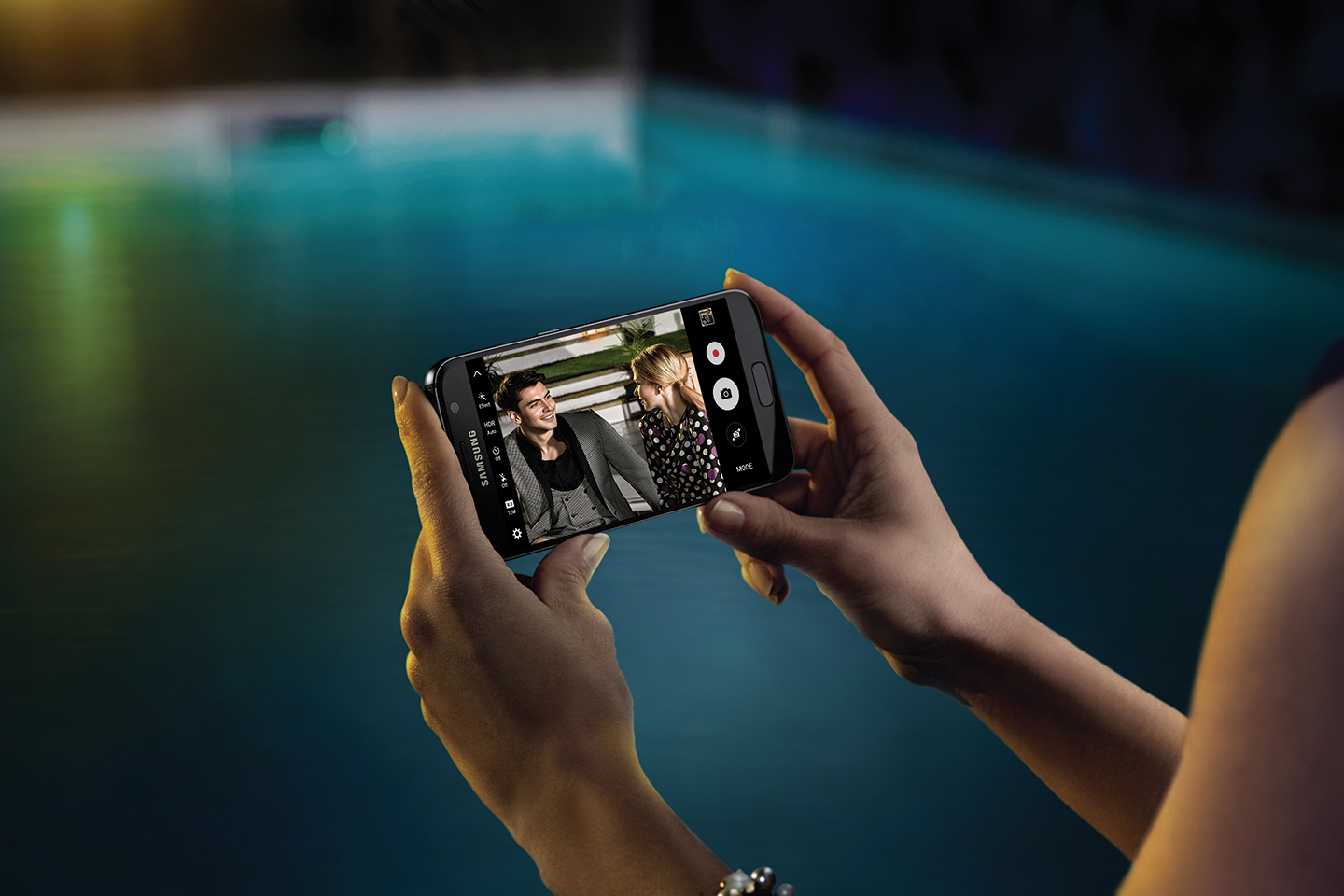
Samsung Electronics Co. Ltd. on Sunday unveiled the Galaxy S7 and S7 edge, its latest flagship smartphones. Along with subtle design changes, upgraded processors, water and dust resistance, and the return of microSD support, Samsung gave the main camera on its latest devices an upgrade and added some new shooting modes and a selfie flash. ...
Galaxy S7 and S7 edge vs. iPhone 6s and 6s Plus | #MWC16
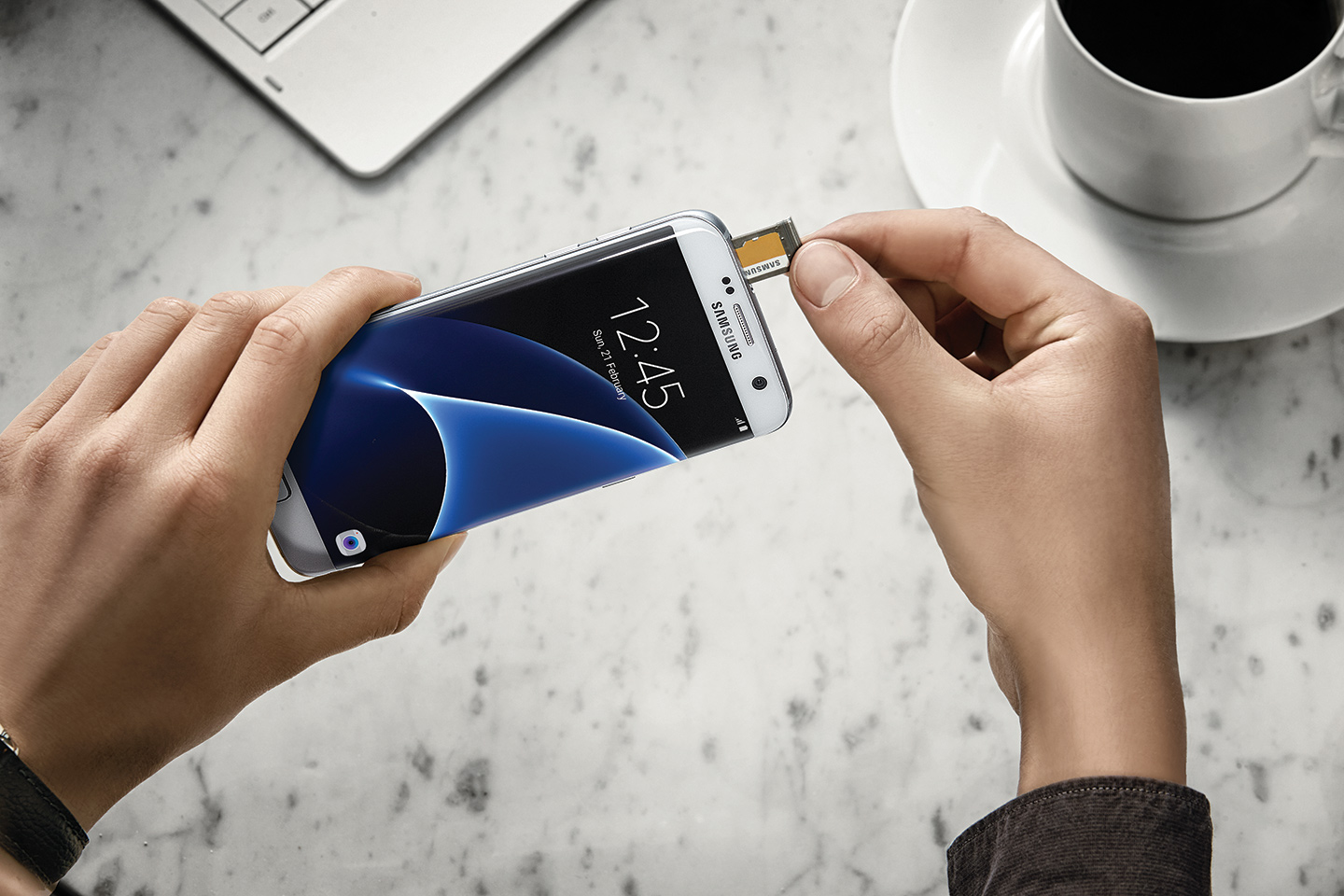
Samsung Electronics Co. Ltd. on Sunday unveiled its new flagship smartphones, the Galaxy S7 and Galaxy S7 edge. Since these handsets will hit the market in March, a full six months ahead of Apple’s next iPhones, the Galaxy S7 and S7 edge are going head-to-head with Apple’s current lineup of phones, the iPhone 6s and ...
Galaxy S7 vs. S7 edge vs. LG G5: 2016’s first new flagships go head-to-head

Samsung Electronics Co. Ltd. and LG Electronics Inc. both unveiled their 2016 flagship smartphones at Mobile World Congress in Barcelona on Sunday: Samsung took the wraps off the Galaxy S7 and S7 edge while LG showed off the LG G5. The Galaxy S7 and S7 edge do not look all that much different from their ...
LG G5 vs LG G4: Everything has changed | #MWC16
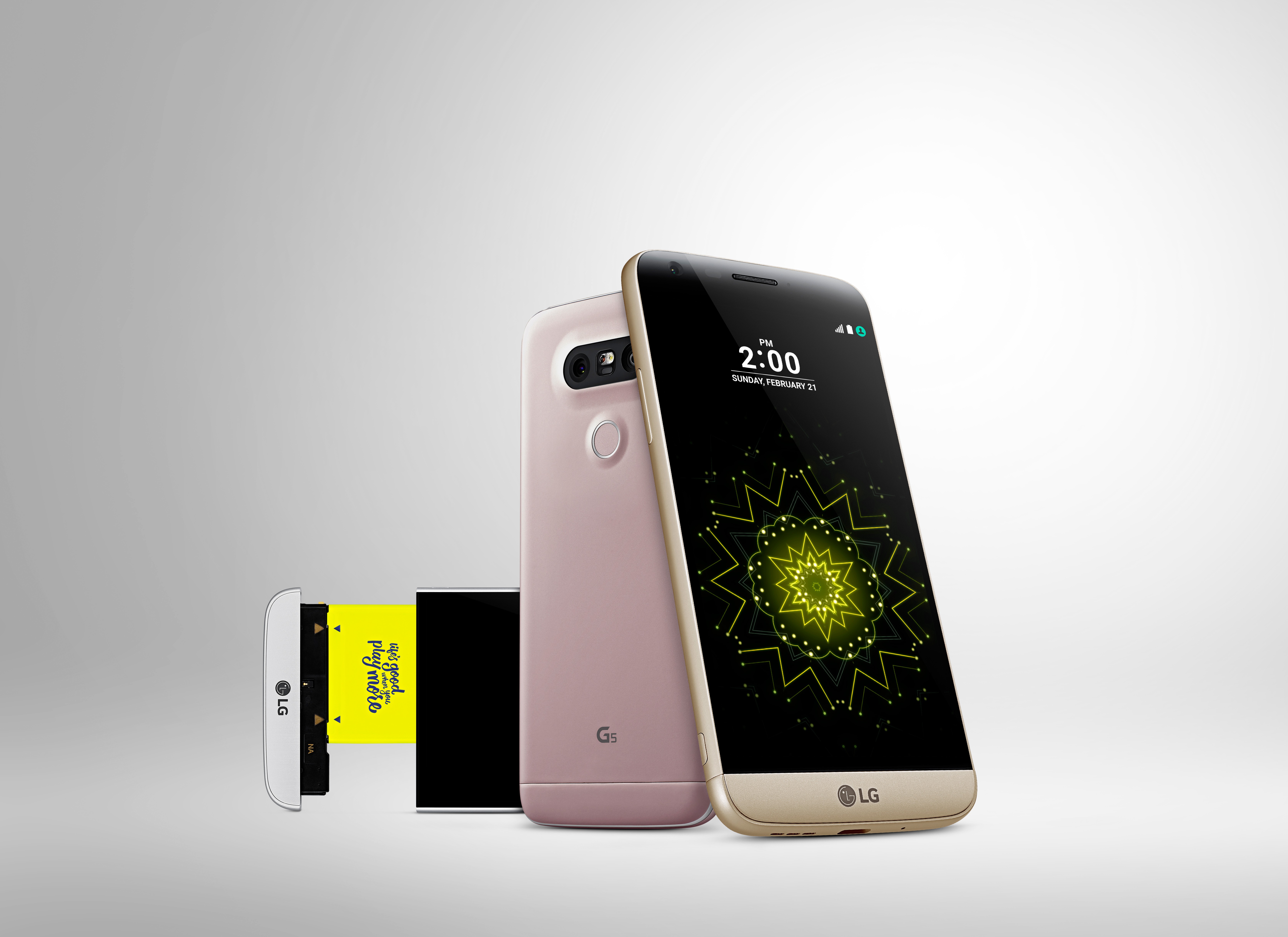
LG Electronics Inc. today unveiled the LG G5 (pictured above), its 2016 flagship, and successor to 2015’s LG G4. Not happy to merely iterate on 2015’s design, LG has completely redesigned its G-series flagship, including an all-metal unibody, Always-on display, dual rear cameras, a modular component with multiple plug-n-play modules, and a slew of connected gadgets ...
New LG G5 features metal body, semi-modular design, connected gadgets | #MWC16
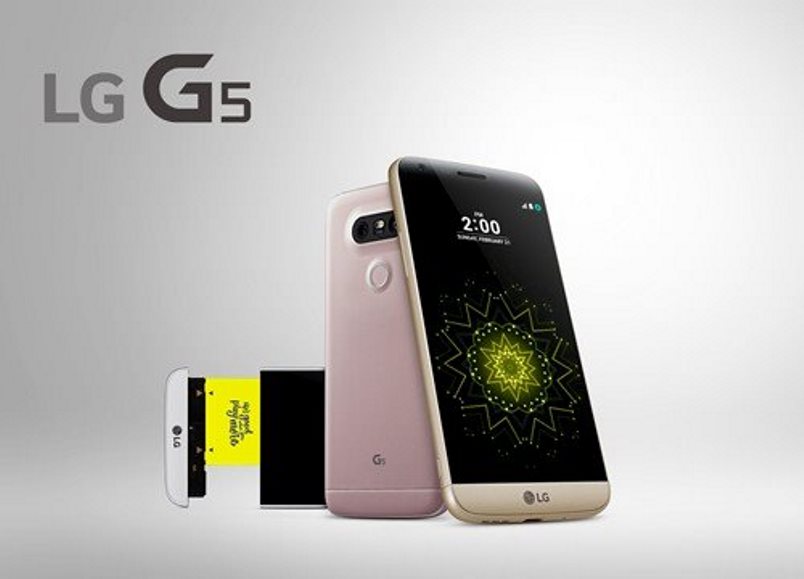
Ahead of Mobile World Congress (MWC) 2016 — set to take place in Barcelona, Spain February 22 to 25 — LG Electronics Inc. today unveiled the LG G5. In an effort to take on — and differentiate itself from — the upcoming Samsung Galaxy S7 and iPhone 7, LG has introduced some dramatic changes to ...
Locate your missing device with the Windows 10 ‘Find My Device’ feature
Location-tracking apps have become incredibly popular and can be a real lifesaver if your device gets lost or stolen. When build number 1511 for Windows 10 was released in November, Microsoft introduced a ‘Find My Device’ feature for laptops and tablets. Follow the steps below to check what you need to do before enabling the ...
Fancy a posh digital assistant? Give Windows 10’s Cortana a British accent

You can use Cortana in Windows 10 to set reminders, send emails and search your computer for files. With its integration with various third-party apps, like Uber, Hulu, and Twitter, you can also use Cortana to order a car, watch your favorite show or dictate a tweet. However, if you interested to hear what Cortana ...
Need more power? Here’s how to boost your Windows 10 laptop battery life

Whether you have a new or an old laptop, getting the most out your laptop battery can be crucial especially when you are not close to a power point. These six tips for Windows 10, including turning on Battery Saver, adjusting brightness and volume will help boost your laptop’s battery life. Ensure you turn on ...
Use Cortana in Windows 10 to do your admin: send emails, set reminders, search for files
Cortana, Windows 10’s built-in personal assistant, allows you to easily complete tasks by either speaking your instructions or typing them in. With its ability to work with a variety of third-party apps, you can use Cortana to book an Uber, watch your favorite show on Hulu or Netflix, add a tweet to Twitter and more. ...
Windows 10 tips and tricks: To troubleshoot issues, start your Windows 10 PC in Safe Mode

Safe Mode is a great way to diagnose certain problems on your computer as it starts Windows in a basic, stripped-down version of the operating system with only basic files and drivers. If your issue does not occur while you are in Safe Mode then you will know that it is not related to Windows ...