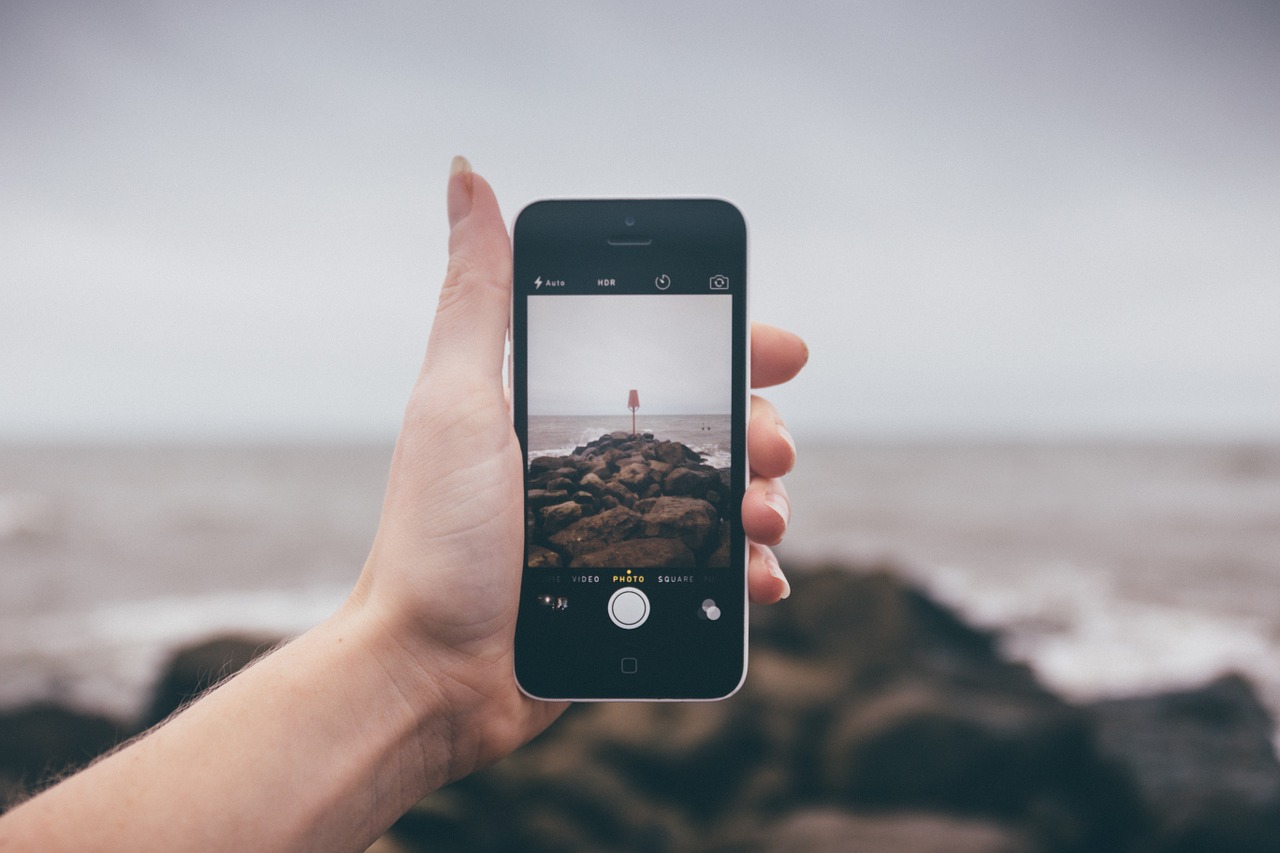
Together with the launch of the iPhone 6s and 6s Plus, Apple introduced the Live Photos feature allowing you to create animated photos. Since the launch in September, both Tumblr Inc. and Facebook have started rolling out support for Apple’s Live Photos.
With the introduction of the beta version of iOS 9.3 it will be possible for iPhone 6s and 6s Plus users to save a static photo from a Live Photo, but with a handy app called LivePapers you can do the reverse and turn any static photo into a Live Photo. You can then customize your iPhone 6s or 6s Plus and use your Live Photo as a Live Wallpaper.
LivePapers is compatible with most iOS devices, running iOS 9.2 or later, including iPhone 4S, iPhone 5, iPhone 5c, iPhone 5S, iPhone 6, iPhone 6 Plus, iPhone 6S, iPhone 6S Plus, iPad 3rd gen. and above, iPad Mini 2nd gen. and above, iPad Air all models, and iPad Pro. However, you will need an iPhone 6s or 6s Plus to view Live Wallpapers as it requires 3D Touch to view them.
Turn any static photo into a Live Photo
- Download the LivePapers app from the App Store, the app costs $1.99.
- Launch LivePapers on your device and either tap Take a new photo or tap Choose from library to select an existing photo in your device’s Camera Roll.

- Select the photo you want to turn into a Live Photo.
- Adjust your photo, by centering it or zooming in, tap Next.
- Once the preview generation is complete, 3D Touch the completed photo if you have an iPhone 6s or 6s Plus to see a preview. Other iPhone users will see a preview after a long press.
- Choose a different effect for your Live Photo by tapping on the wand in the lower left-hand corner. Animation effects include Motion Blur, Pixellated, Hexagons, Vortex, Dreaming and more.

- Once you are happy with your Live Photo, tap Save and it will be exported to your Camera Roll.
- If you have an iPhone 6s or 6s Plus you can customize your device and turn your newly created Live Photo into a Live Wallpaper. Simply use the Share button and choose the Live option.

A message from John Furrier, co-founder of SiliconANGLE:
Support our mission to keep content open and free by engaging with theCUBE community. Join theCUBE’s Alumni Trust Network, where technology leaders connect, share intelligence and create opportunities.
- 15M+ viewers of theCUBE videos, powering conversations across AI, cloud, cybersecurity and more
- 11.4k+ theCUBE alumni — Connect with more than 11,400 tech and business leaders shaping the future through a unique trusted-based network
SiliconANGLE Media is a recognized leader in digital media innovation, uniting breakthrough technology, strategic insights and real-time audience engagement. As the parent company of
SiliconANGLE,
theCUBE Network,
theCUBE Research,
CUBE365,
theCUBE AI and theCUBE SuperStudios — with flagship locations in Silicon Valley and the New York Stock Exchange — SiliconANGLE Media operates at the intersection of media, technology and AI.
Founded by tech visionaries John Furrier and Dave Vellante, SiliconANGLE Media has built a dynamic ecosystem of industry-leading digital media brands that reach 15+ million elite tech professionals. Our new proprietary theCUBE AI Video Cloud is breaking ground in audience interaction, leveraging theCUBEai.com neural network to help technology companies make data-driven decisions and stay at the forefront of industry conversations.