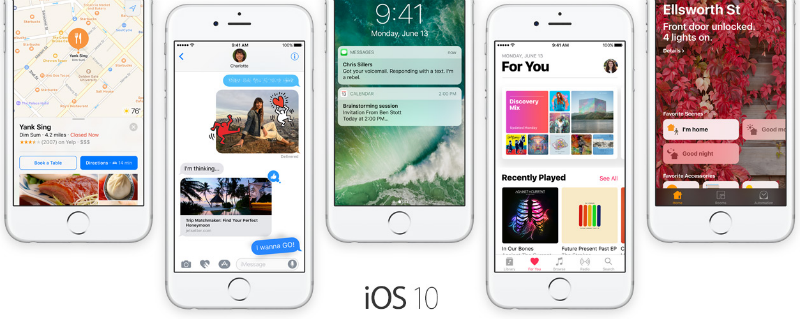













It has been a week since Apple released iOS 10 beta to its developer community and if you could not bear waiting until July when the public beta will be available you may have already made the plunge and downloaded the iOS 10 beta 1. While the developer preview is a great way to get a first-hand experience of the new iOS 10 features, like the ability to remove default apps, new functionality in Photos, Messages and more, it is also an unstable version so can contain bugs and can be a drain on your device’s battery.
If you have had your fair share of iOS 10 and will prefer to either wait for the public beta or even until September when it becomes available for all iOS users, it is possible to downgrade to iOS 9.3.2.
If you have any issues when downgrading to iOS 9.3.2 from iOS 10, you may have to downgrade manually by pointing to the iOS 9.3.2 ipsw file. Download the relevant ipsw file for your device > On MacOS: hold the Option button and click Restore or On Windows: hold the Shift button and click Restore > when prompted point to the ipsw file you just downloaded > Open > the Restore will begin.
Provided your experience with the developer beta has not left you feeling jilted, you can sign up for the iOS 10 public beta due out in July, by heading over to the Apple Beta Software Program page. Or wait for iOS 10’s general release in September.
Source: iPhone Arena
Support our mission to keep content open and free by engaging with theCUBE community. Join theCUBE’s Alumni Trust Network, where technology leaders connect, share intelligence and create opportunities.
Founded by tech visionaries John Furrier and Dave Vellante, SiliconANGLE Media has built a dynamic ecosystem of industry-leading digital media brands that reach 15+ million elite tech professionals. Our new proprietary theCUBE AI Video Cloud is breaking ground in audience interaction, leveraging theCUBEai.com neural network to help technology companies make data-driven decisions and stay at the forefront of industry conversations.